


Make the next step visible.
Give everyday activities a clear order with pictures and simple steps. A familiar visual guide to come back to, together.
A little structure. A lot of possibility.
Turn everyday routines into clear, visual steps your child can follow. Make space for more independence, a little encouragement, and the joy of getting there together.
For each child. For the day you’re actually having.
Different days. Different needs.
A routine that feels like theirs.
A clearer way through the day
When the next step is easy to see, the whole routine can feel a little more manageable.
Give everyday activities a clear order with pictures and simple steps. A familiar visual guide to come back to, together.
Build routines around the activities that matter to your family. Break a bigger task into smaller, more approachable steps.
Make progress visible and pair effort with encouragement. Use rewards to celebrate what your child is working toward.
Made for real family days
Keep a familiar rhythm, with room for individual needs and a change of plans.
Multi-child support
Create a profile for each child and keep their routines organized in one app. Switch between children as the day unfolds, with a routine that feels like theirs.
Their own profile. Their own routine.One-time routine changes
Plans change. Make a temporary change to the list you’re using, without changing your saved routine. The familiar version is ready for next time.
Flexible now. Familiar next time.Simple to start. Easy to make your own.
Start with one part of your day. Keep it small, make it familiar, and build from there.
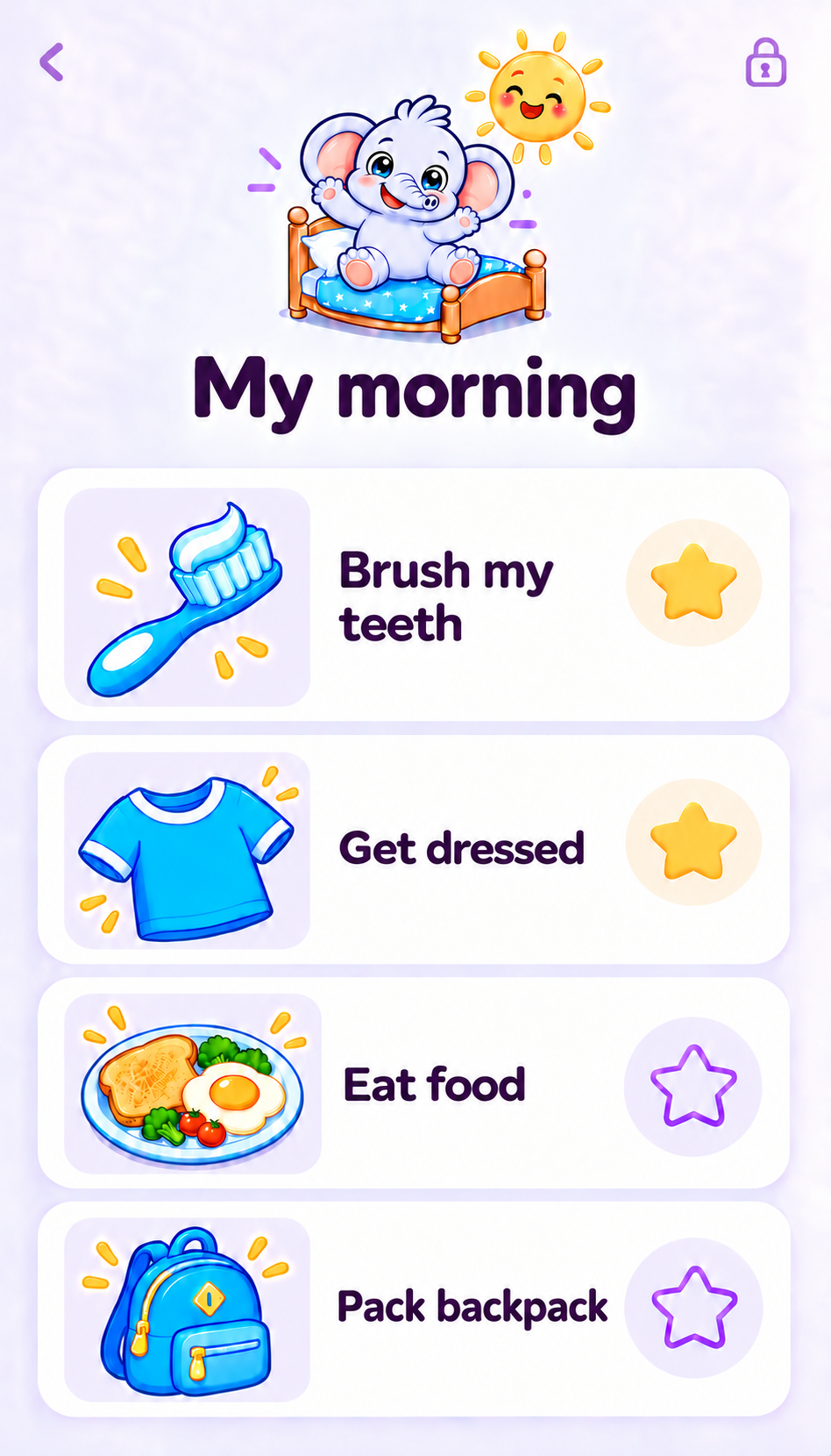
See the app’s list viewChoose an everyday moment, like getting ready for school or winding down for bed.
Add clear visual cues and put activities in the order that works for your child.
Work through the routine together, mark steps complete, and acknowledge every bit of progress.
For the people in their corner
Designed for children who benefit from visual structure, and the adults helping them build everyday skills.
Give mornings, mealtimes, and bedtimes a familiar flow. Keep each child’s routines together in one app, and adapt a list when today needs something different.
Getting ready for the dayMake classroom activities and transitions easier to see, from arriving at school to packing up.
From circle time to clean-upBreak activities into visual steps that fit the skills and routines you’re practicing together.
Everyday skills, one step at a timeEvery child follows their own path. The routine should meet them where they are.
A few things you might be wondering
My Visual Routine is designed for children who benefit from predictable routines, visual cues, and positive reinforcement. Parents, caregivers, teachers, and therapists can use it to support daily activities.
Yes. Create visual schedules around your child’s day and break activities into individual steps. Start with a morning routine, a bedtime routine, or a skill you’re practicing together.
No. The app is designed with children who need extra structure in mind, but visual routines can be useful for many families. There is no diagnosis required to use it.
Rewards give you a way to recognize progress and encourage participation. Choose something meaningful to your child and use it alongside everyday praise and support.
Yes. Multi-child support lets you create a profile for each child and switch between their routines in the same app.
Yes. You can make a temporary change to the list you’re using without changing the saved routine. It’s useful when today’s plans are a little different, and you want the original routine ready for next time.
Every big moment starts somewhere
A little structure. A familiar next step. A reason to feel proud.
See the app’s list view Pajamas on ★